Turn Every Customer Action Into the Next Best Step
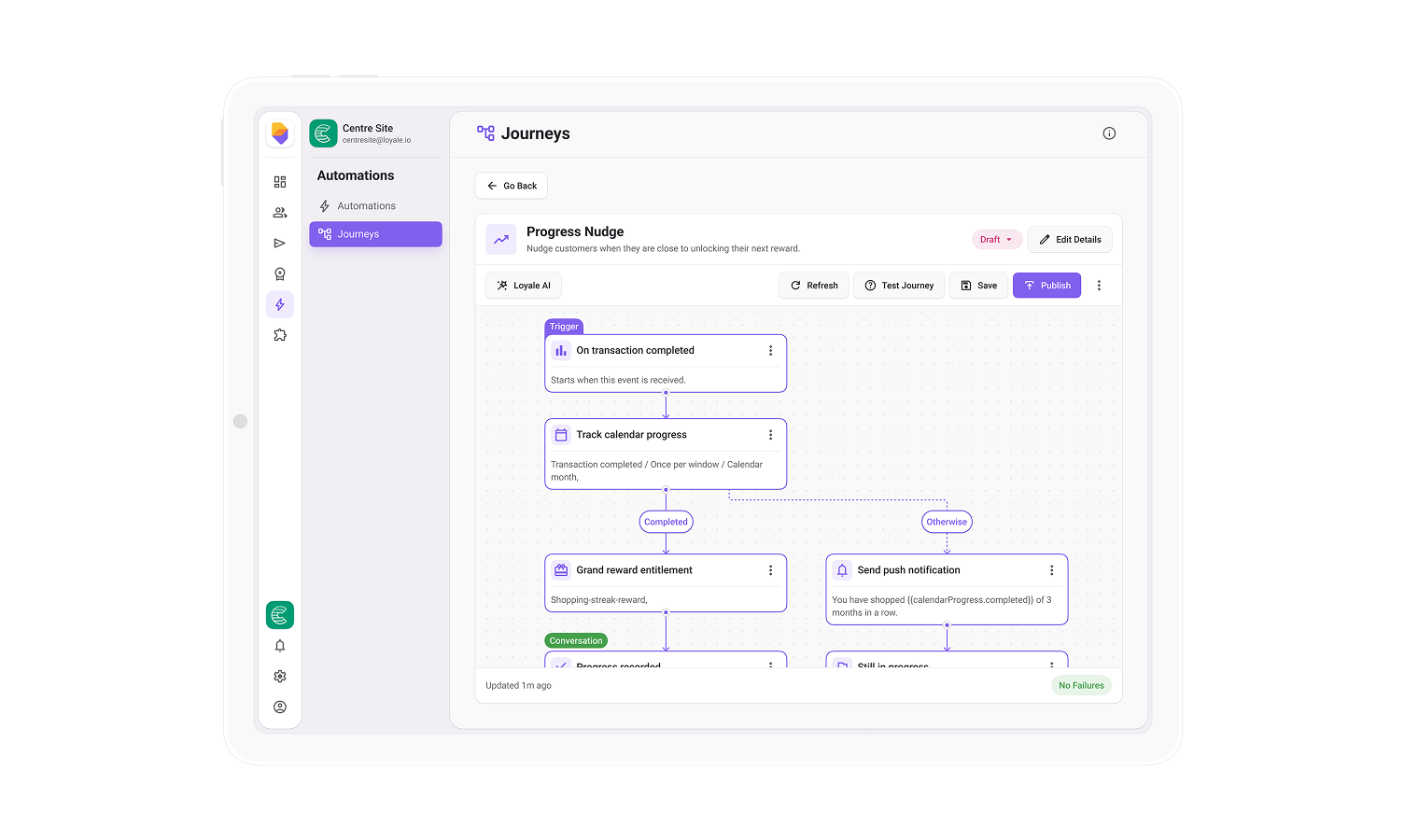

A customer relationship does not happen in a single message. Journey Builder lets you create complete flows that continue over time and adapt to what each customer does.
Start from a meaningful moment, such as a purchase or sign-up. Add the next message, wait for a response, branch the journey based on behaviour and issue the right reward automatically. Each customer moves through the flow individually, so engagement stays timely and relevant without constant manual work.

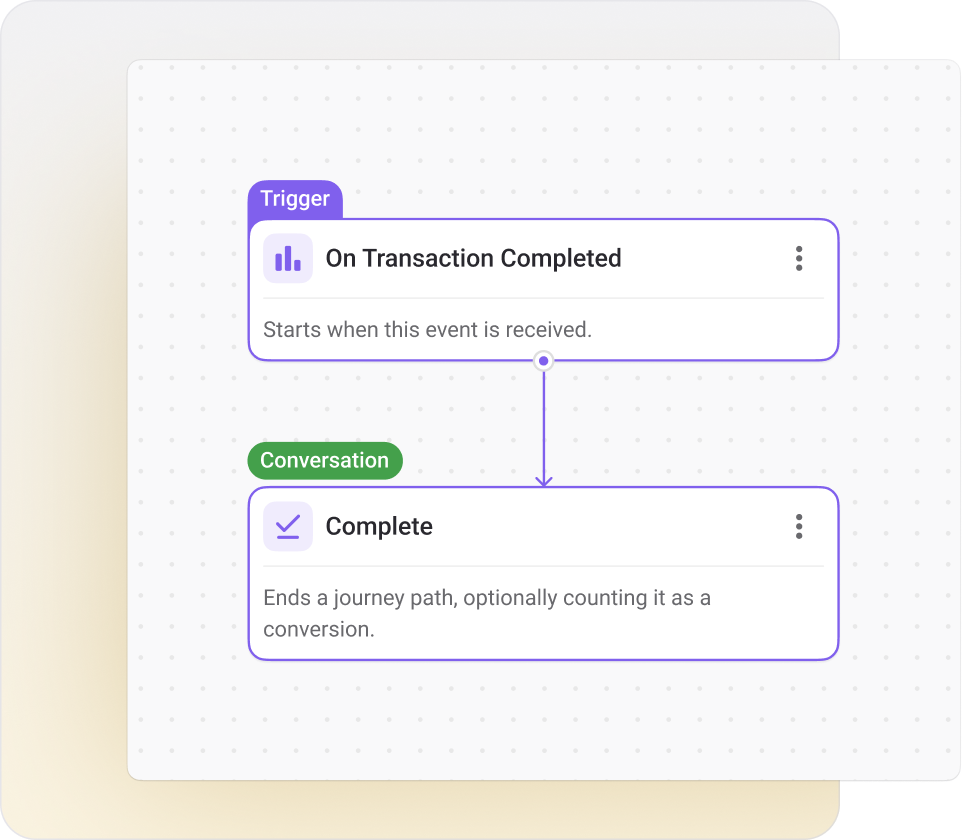
Launch journeys from purchases, sign-ups, card connections, referrals, balance changes, expiring points or vouchers, audience membership and schedules. Purchase triggers can be narrowed to a particular product or category.

Add waits, conditions, branches, messages, rewards and clear journey endings directly on the canvas. See how every step connects without relying on custom development.

Move customers along different paths based on their actions. A wait can end early when the right event happens, allowing the journey to react while the moment is still relevant.

Send push notifications, SMS and emails using customer, event and journey progress data. Marketing preferences and opt-outs are respected automatically.

Issue points, coupons, gift cards and tags as part of the journey. Apply points multipliers to future purchases and create reward rules for promotional periods.

Set re-entry rules, cooldowns and one-active-run controls. Apply customer filters and preview the live audience size before publishing.
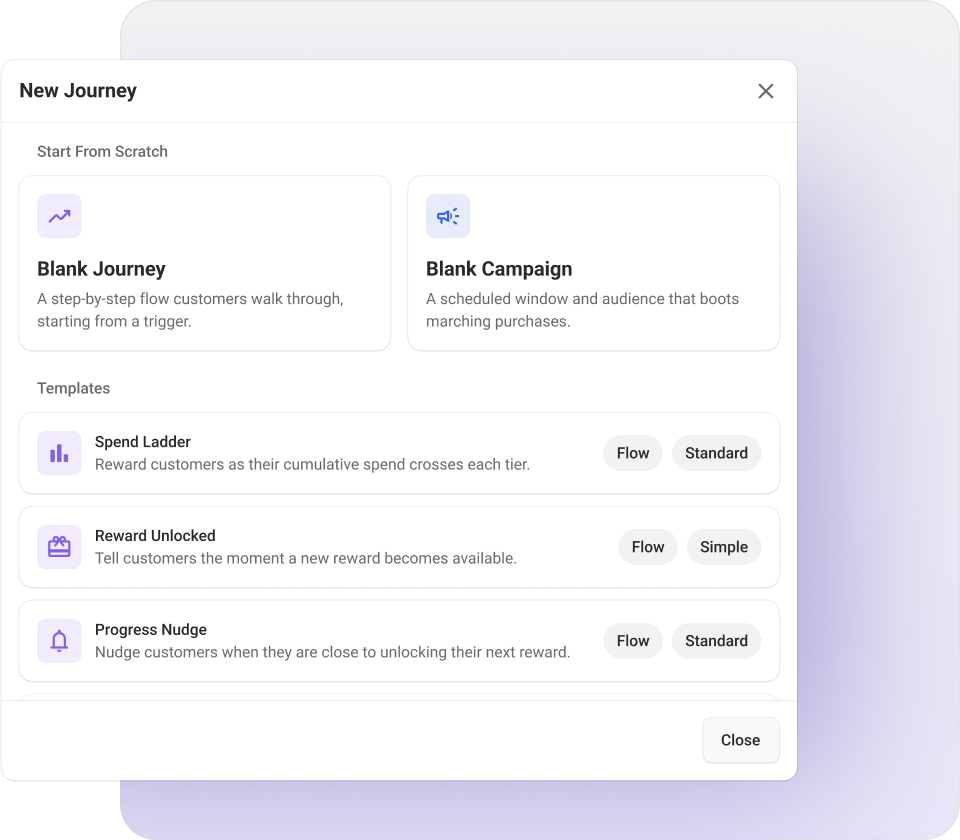
Use a ready-made template, build from scratch or describe the journey to the Loyale AI assistant and receive a draft to refine. Configure each step directly on the canvas, from the entry trigger and audience to the message, condition or reward.
Readiness indicators show whether the journey structure, audience and rewards are complete. If something is missing, validation highlights what needs attention before the journey can be published.

Ready-made templates. Start faster with proven journey structures.

Blank canvas. Build a journey around your own strategy.

AI-assisted draft. Describe the outcome and refine a suggested flow.

In-place editing. Configure every step without leaving the canvas.
Run the full journey against a test customer using the built-in simulator. Trigger an event, move time forward and watch the customer progress through waits, branches and planned actions without sending a real message or issuing a real reward.
When the journey is ready, publish it with a clear record of what changed. Each new version can be reviewed, helping teams update live journey strategies with more confidence.

Simulate customer events. Test how the journey responds to different actions.

Skip time forward. Check long waits and time-based steps without waiting days or weeks.

Validate before publishing. Find incomplete settings before they affect a live journey.

Review version changes. Keep a record of updates as the journey evolves.
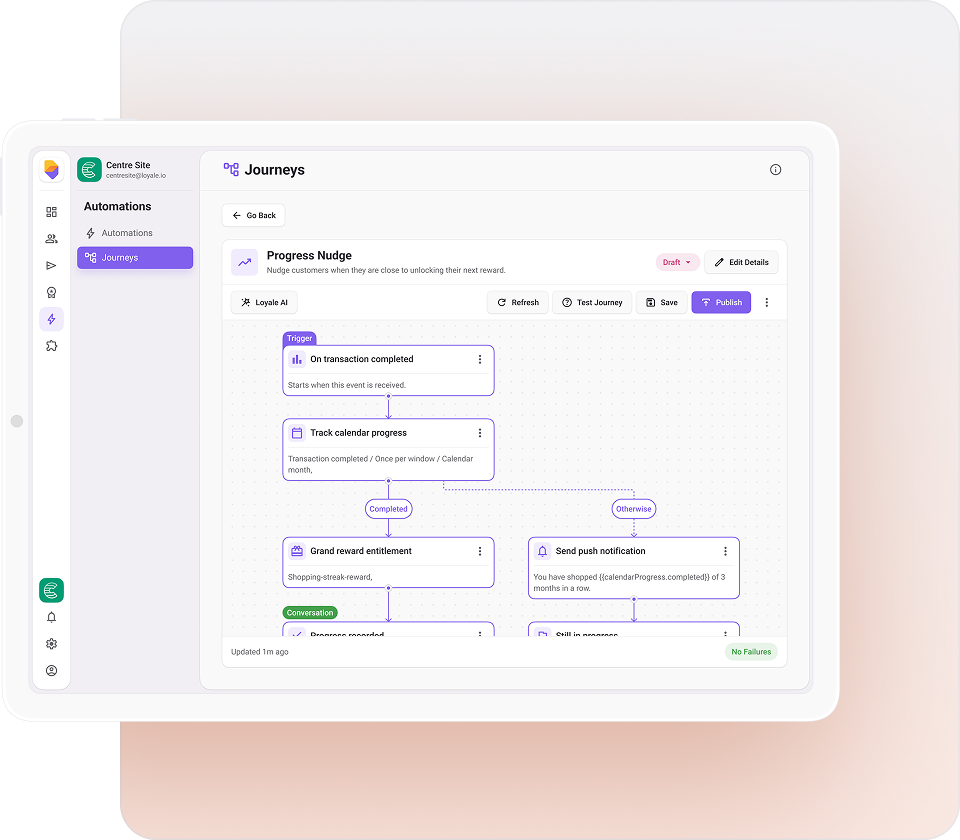
Once a journey is live, the same canvas becomes a view of its performance. See how many customers entered, where they are in the journey, what they engaged with and how many converted.
Per-step statistics make it easier to identify where customers continue, pause or drop away, so teams can improve the journey based on real behaviour rather than guesswork.

Journey entries. See where customers currently sit within a journey and how they are progressing through each stage.

Customer progress. Check long waits and time-based steps without waiting days or weeks.

Message engagement. Track how customers interact with journey communications, including sends, opens, clicks and other engagement signals.

Step-by-step performance. Understand how each individual journey step is performing and identify where customers progress, pause or drop off.

Journey conversions. Measure how effectively journeys drive customers towards the intended outcome or conversion goal.

Customer-level run history. Inspect an individual customer’s journey history to understand where they are, what happened and whether an action failed.
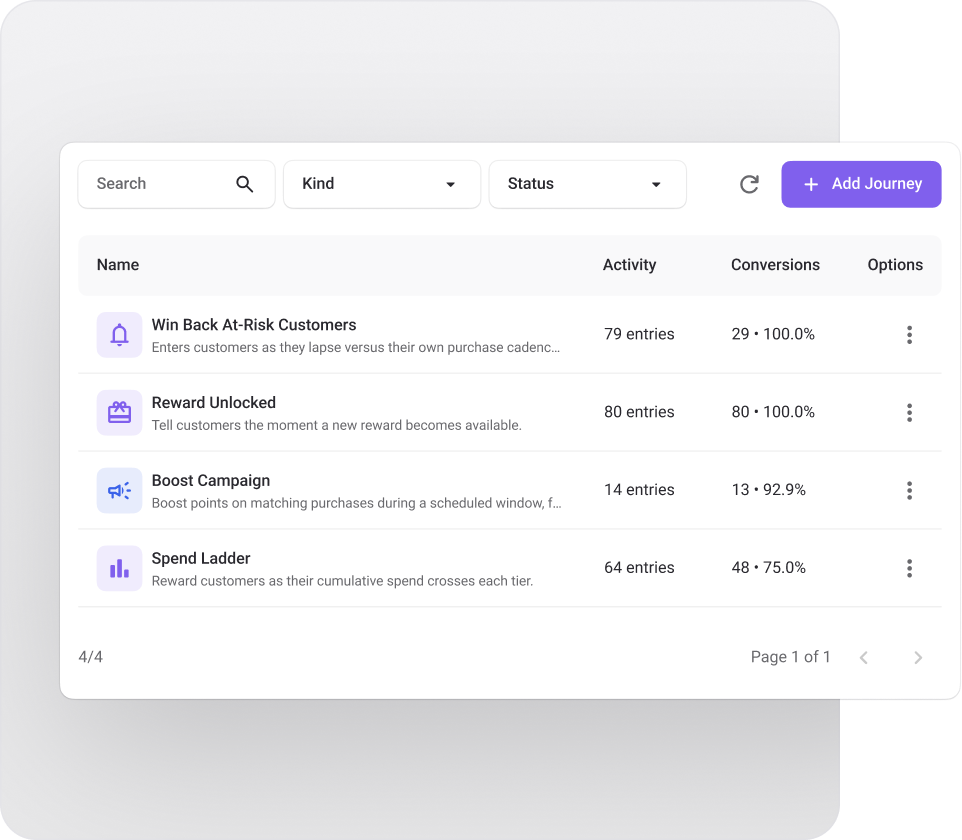

Send a timed series after sign-up, guide customers towards their first action and reward early participation.

Start a journey when a customer reaches a set number of days without a purchase. Stop the win-back flow as soon as they buy again.

Trigger a relevant offer, product recommendation or feedback request after a customer buys a particular product or category.

Track progress towards a spend target, send an “almost there” reminder and issue the reward automatically when the customer reaches it.

Reward repeat activity across consecutive periods or run a points multiplier during a defined promotional window.