Report Studio
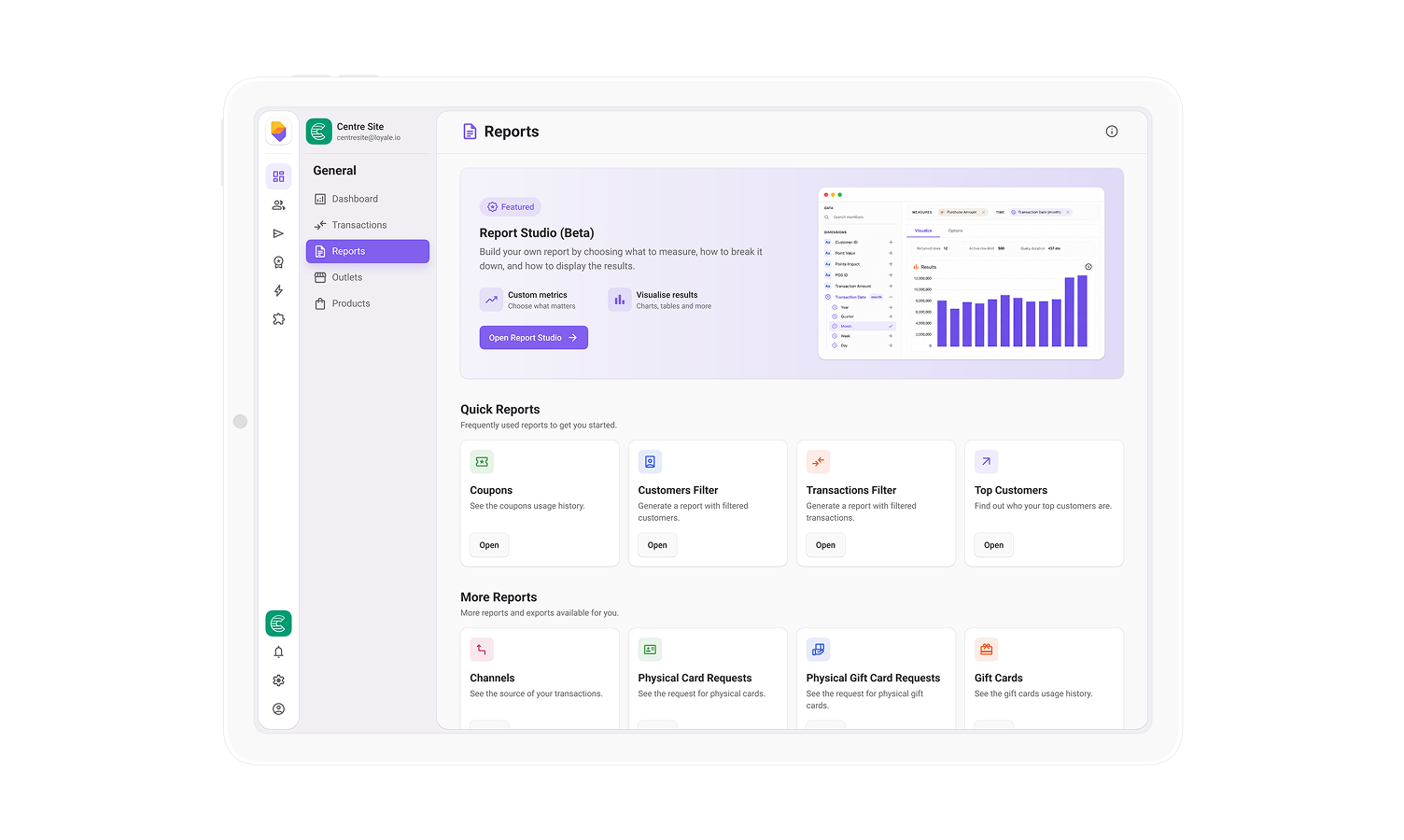

Report Studio is a new reporting experience inside Loyale Backoffice that lets teams turn live scheme data into clear answers, without waiting for exports or relying on fixed reports.
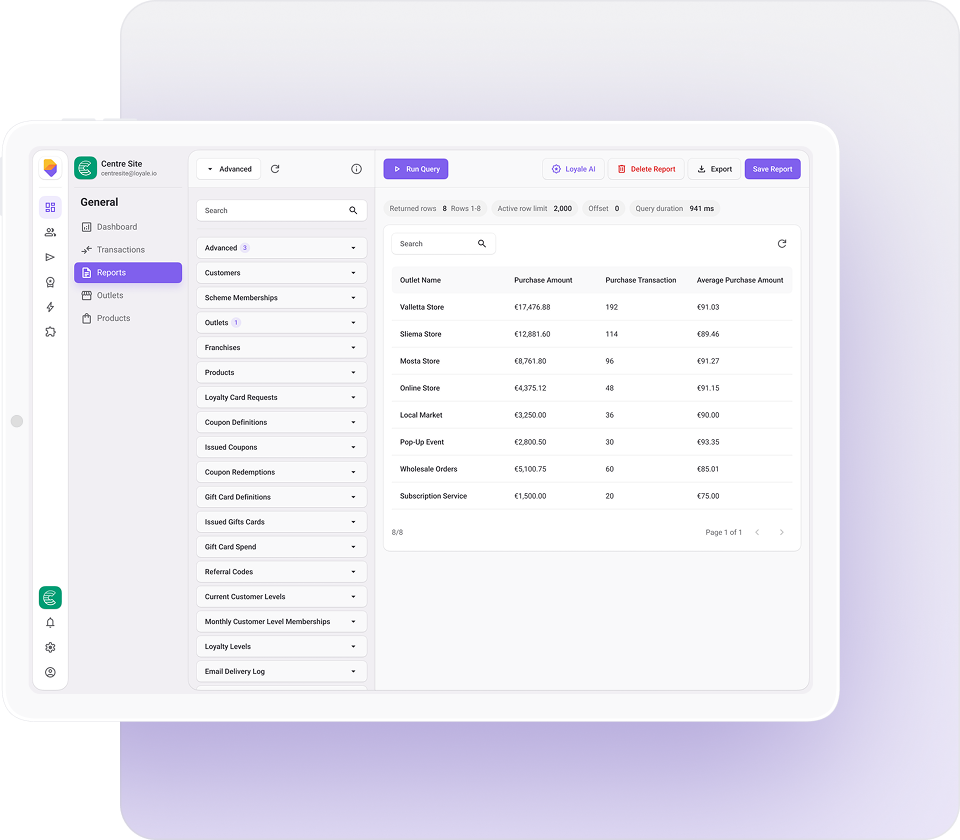
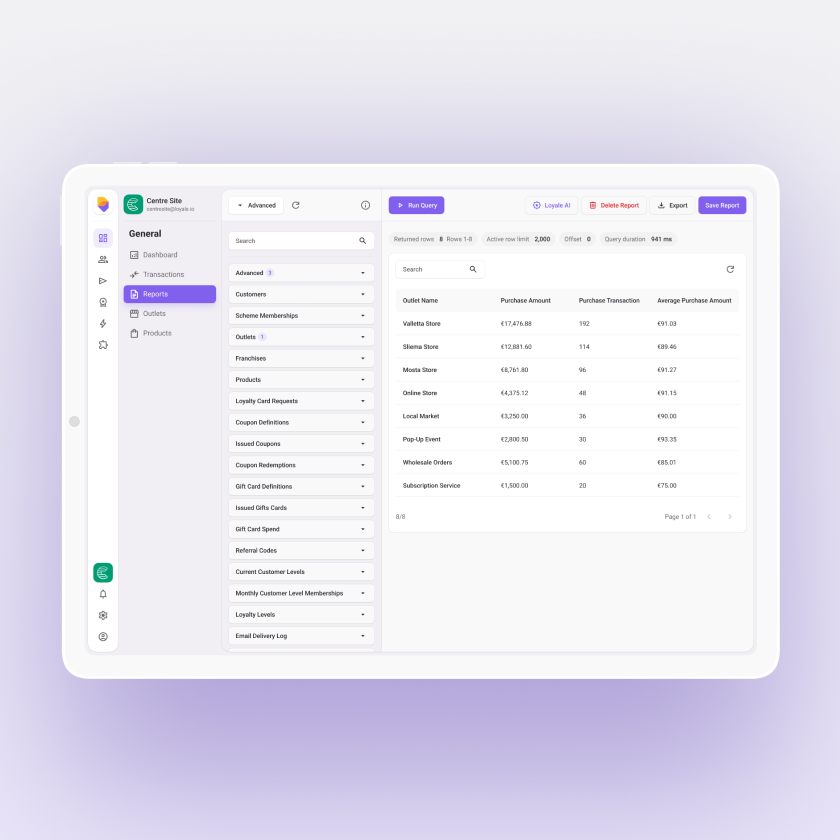
Instead of sending requests and waiting for outputs, teams can build exactly what they need in a single workspace. Select the metrics, define the breakdown, choose the time range, and instantly visualise the result. From there, reports can be refined, saved, and reused whenever needed.
It is reporting designed around how teams actually work: ask a question, explore the data, shape the output, and move on with confidence.
Most reporting slows teams down at the exact moment they need speed.
A simple question becomes a request. A request becomes a delay. And small changes often require new exports or technical support.
Report Studio removes that friction by bringing reporting directly into Backoffice. It gives teams full control over exploration, reduces reliance on predefined reports, and shortens the path from question to answer. The result is faster decisions and less dependency on others to interpret data.
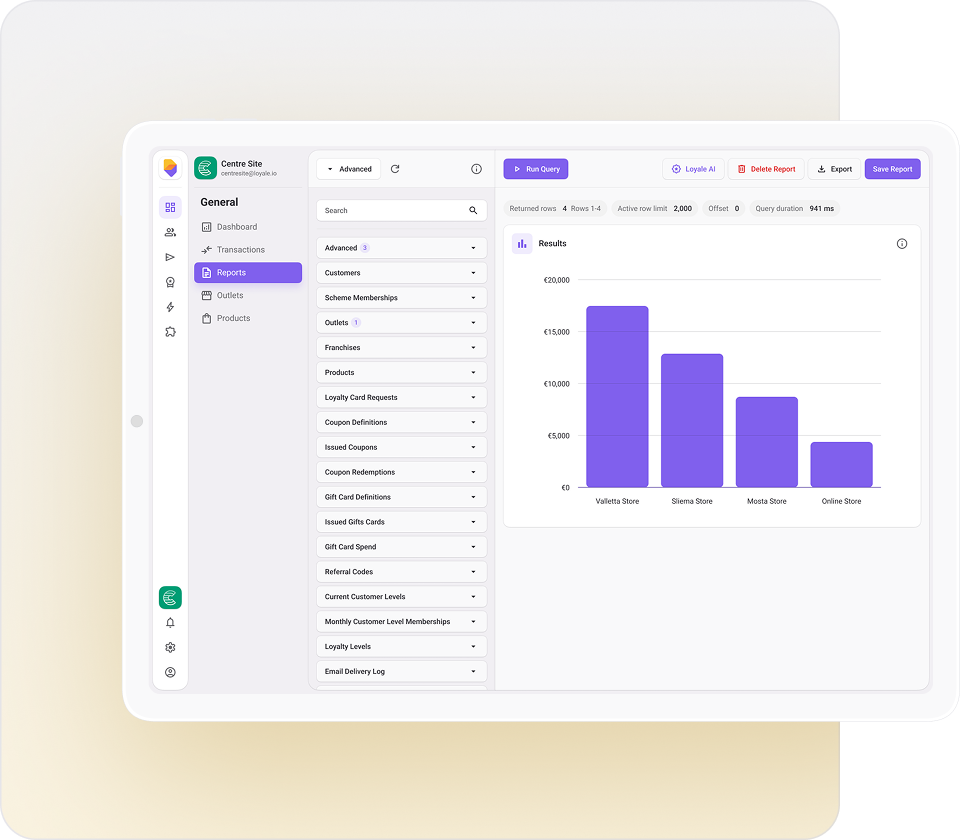
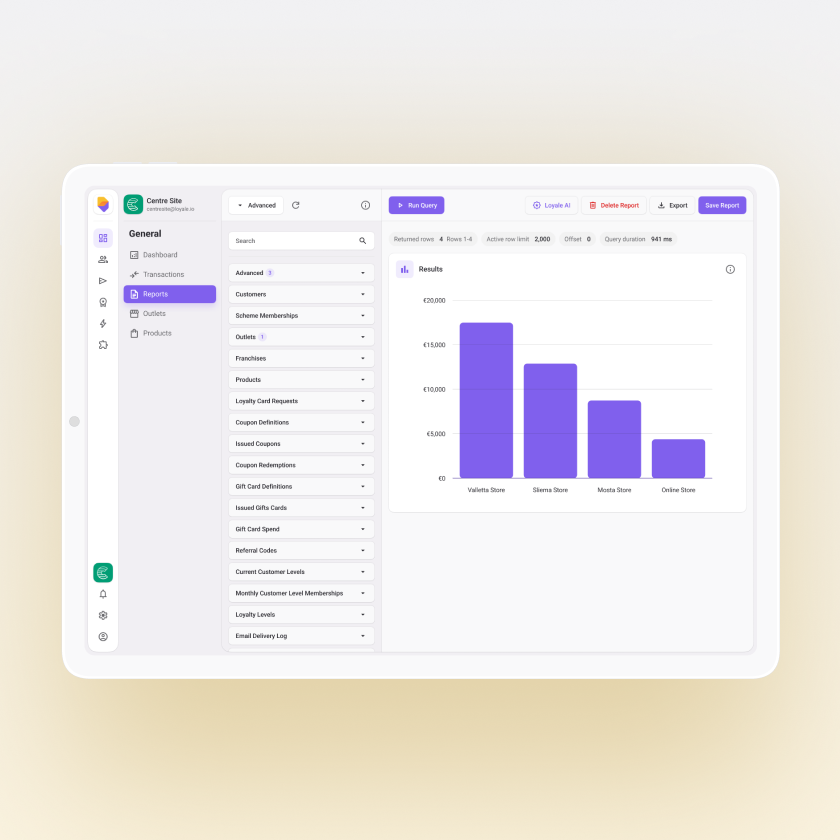
Loyale AI allows you to build reports in Report Studio using plain English. Instead of manually configuring fields, filters, and layouts, you can simply describe the report you want to see, such as total sales by location over the last 30 days or top customers this quarter.
Based on your request, Loyale AI automatically generates the full report setup, including the relevant metrics, groupings, and filters. Once created, the report behaves like any other, so you can adjust, refine, and save it as needed.
For example:
Show me total sales by location for the last 30 days
Top customers by revenue this quarter
Daily transactions split by payment method
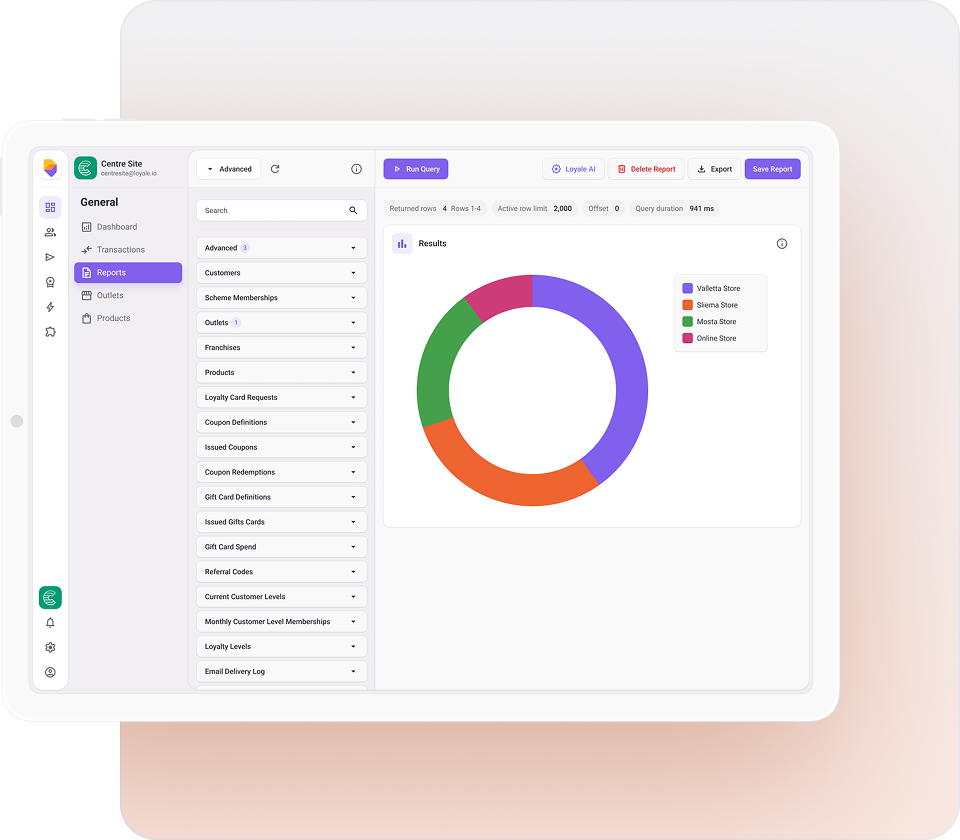
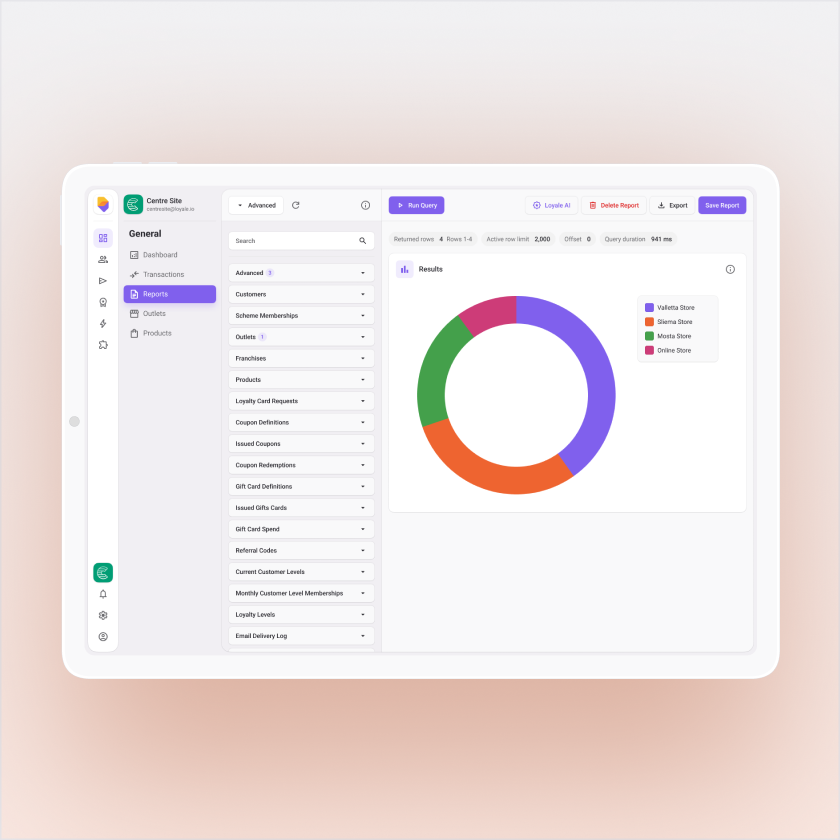
Report Studio is built to mirror how teams think.
Start by defining what you want to measure, shape the breakdown, refine the dataset with filters, and choose the best visual format. Once the insight is clear, save it as a reusable report or keep iterating without losing progress.
This makes it suitable for ad hoc analysis, operational reporting, and leadership-ready views, all from the same place.